
Automation that works — even when the internet doesn't.
Josh.ai voice control. Lutron lighting. Sonos audio. Hardwired security. Best-of-breed integration installed as one system, designed to run locally, store data on your own equipment, and operate without the monthly subscriptions and cloud dependencies that come with consumer smart home platforms.
Most "smart homes" are cloud accounts pretending to be homes.
An Alexa here. A Ring camera there. A Nest thermostat. A Sonos speaker. Five apps, five accounts, five privacy policies, five things that stop working when the internet hiccups. That's not a smart home. That's a collection of cloud subscriptions in the same building.
Cloud-dependent automation
Voice processing happens in someone else's data center. Internet outage means your home stops responding — including locks, cameras, and lights you should still be able to control standing inches away from them.
Monthly subscriptions for advanced features. Voice and video data sent to and analyzed by third parties. Five different apps for five layers of the home. Different command syntax for different systems. The home requires daily attention to keep working.
It feels like a smart home. It's a fragile one.
Locally-stored automation
Voice commands process on Josh.ai equipment in your home. Lighting scenes execute on the Lutron processor on your wall. Cameras record to your own NVR. The system works whether the internet does or not.
One-time hardware purchase, no platform subscriptions. Voice and video data stay in your home. One control surface for the entire system — voice, app, or wall keypad. Natural language, not memorized phrases. Reliable, private, predictable.
It feels like a home that responds. Because it is.
Best-of-breed, not single-vendor lock-in.
We don't push proprietary platforms that bundle every layer of the home into one vendor's ecosystem. We use the best brand for each job — and integrate them so they feel like one system. Each piece is best-in-class. None are replaceable without dragging the others down with them.
The natural-language voice control platform that ties the home together. Local processing — your voice data never leaves your equipment. No monthly subscriptions. Designed from the start for whole-home installation rather than as a consumer device with smart home features bolted on. "Hey Josh, make it cozy" works the way you'd expect.
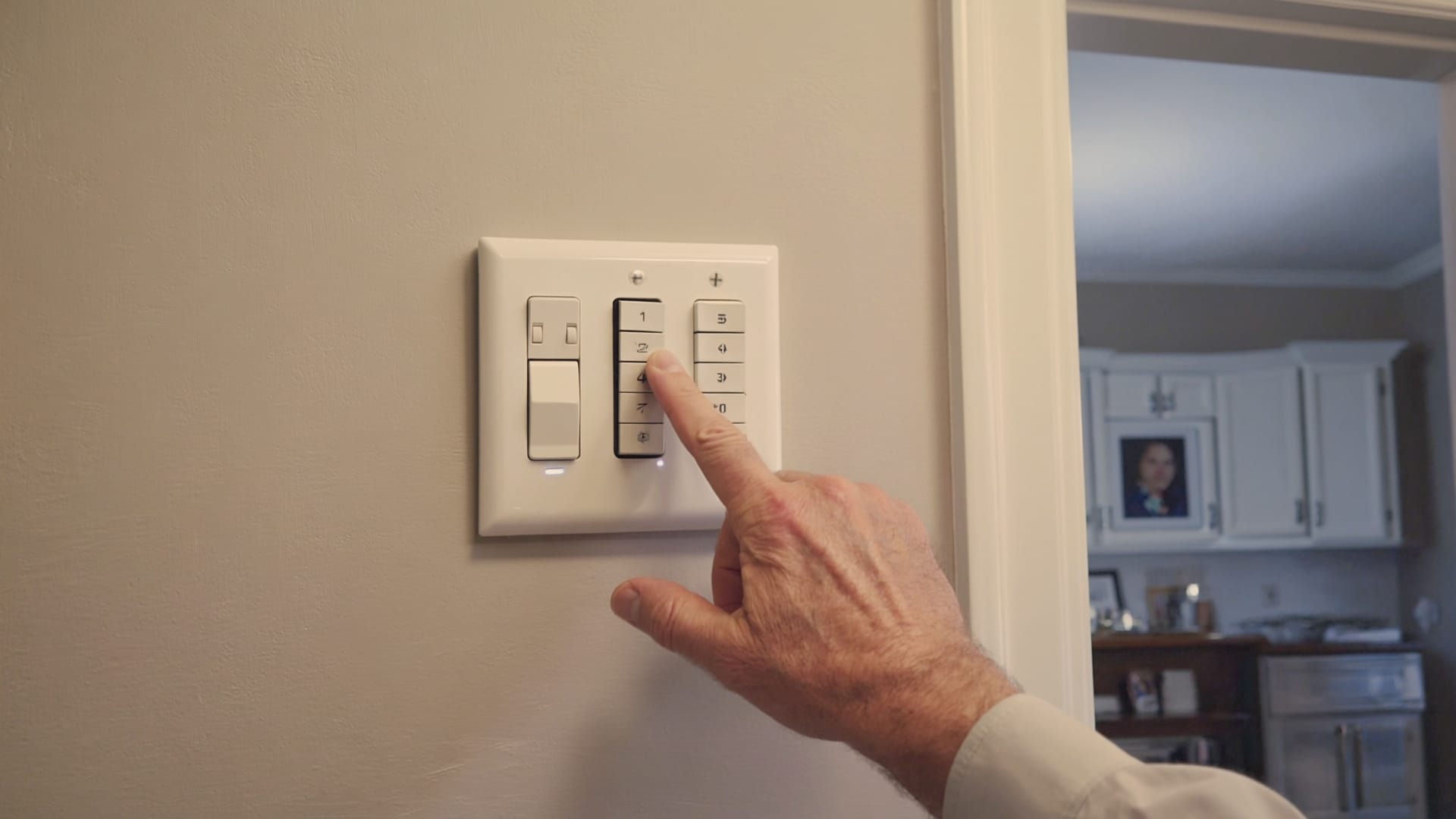
Industry-standard lighting control. Caseta for retrofits, RadioRA 3 and HomeWorks for premium installations. Wall keypads, scene programming, motorized shade integration, HVAC tie-ins. The lighting layer is the foundation of automation that actually feels intuitive — and Lutron is the standard for a reason.
Streaming audio platform homeowners already know, paired with architectural speakers designed to disappear into the home. AirPlay 2 native. Apple Music, Spotify, Tidal, podcasts — works with the apps you already use. One platform across every zone of the home, controlled by voice, app, or scene.
Enterprise-grade networking, sized for the home. Hardwired access points, PoE cameras, structured cabling, local NVR storage. The reason every other layer of the smart home actually stays connected and responsive. The infrastructure most installs treat as an afterthought — and most homeowners suffer for.
Plus integrations with: Apple HomeKit for Siri and the Home app · ELK M1 Gold for hardwired alarm and access control · Tesla wall connectors for EV charging · Schlage, August, and Yale for smart locks · Nest, Ecobee, and Honeywell for climate · MyQ for garage · and most modern appliances and systems that expose a real API.
Why Josh.ai instead of Alexa or Google.
There's a real reason high-end smart home installers standardize on Josh.ai for voice control rather than the consumer voice assistants. It's not nostalgia or markup. It's that Josh.ai does three things consumer voice products are not designed to do.
Natural language, not command syntax
"Hey Josh, make it cozy in here" works. So does "Hey Josh, I'm reading," or "Hey Josh, time to wind down." Josh.ai understands intent, not just specific phrases. Compare that to "Alexa, set living room lights to 30 percent and turn on Sonos kitchen and play jazz" — which is the kind of command sequence consumer voice assistants actually require for the same outcome. Natural language is the difference between voice control you'll actually use and voice control you'll abandon after two weeks.
Local processing, private by design
Voice commands process on Josh.ai equipment installed in your home, not in someone else's cloud. Your voice data is not stored on Amazon's or Google's servers. Conversations don't get sampled for product training. The system works without internet because the voice processing isn't dependent on it. Privacy is the default, not an opt-in.
Whole-home native, not a bolted-on assistant
Josh.ai integrates natively with Lutron lighting, Sonos audio, ELK alarm, climate systems, locks, and shades. No "skills" to install or maintain. No different phrases for different systems. The home is one platform, controlled by one voice, behaving consistently across every room. That's what it's like when voice control is designed for whole-home automation from the start instead of being a consumer product with smart home features added afterward.
What automation actually feels like.
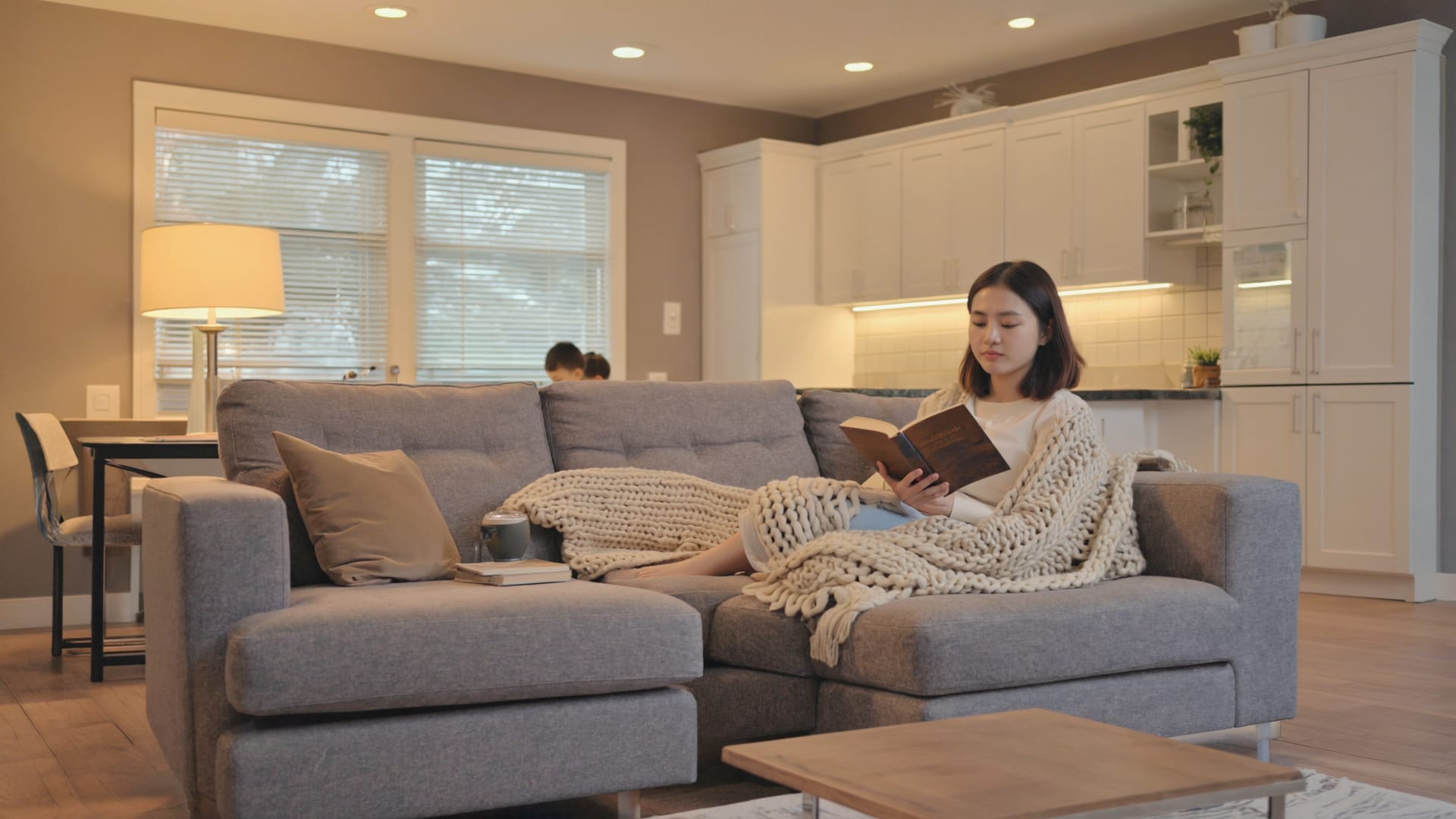
Scenes are the difference between a "smart home" and a home that responds. One command, one keypad press, one schedule trigger — and the right things happen across multiple systems at once. Here's what this looks like in real homes.
Bedroom shades raise. Kitchen lights warm from off to a gentle morning tone. Coffee-shop playlist starts in the kitchen. Thermostat bumps up two degrees. Bathroom heated floor warms up. Triggered by voice or by alarm clock at a set time.
All exterior doors lock. Interior lights turn off. Outdoor accent lighting stays on for security. Alarm arms in stay mode. Audio pauses. Thermostat drops to sleep temperature. Bedroom path lighting set to dim red so you can see without waking up. Triggered by voice from bed.
Geofence detects your phone within a half mile. Front porch light turns on. Entry hall lights warm up. Climate adjusts from away setback to comfortable. Music resumes wherever you left it. Alarm disarms when you unlock the door. No voice command needed.
Theater room lights dim to a low warm glow. Sonos audio routes from the kitchen to the theater. Projector turns on, screen drops, content source switches. Motorized shades close. The rest of the house goes quiet. Triggered by voice or by a single button on the Lutron keypad.
All lights off except scheduled away-mode patterns. Climate goes to setback temperature. Alarm arms in away mode. Cameras start recording on motion. Garage door confirms closed. Geofence triggers when the last family phone leaves the area — no need to remember anything.
Deck audio activates with a curated playlist. Landscape lighting comes on as the sun sets. Path lighting illuminates around the pool or patio. Mosquito mister kicks on if installed. Kitchen audio plays the same playlist for a continuous indoor-outdoor flow. One voice command starts the whole thing.
What can be automated.
The right question is rarely "can it be automated" — almost everything can. The right question is "is it worth automating." We help draw that line during design.
Lighting
Lutron Caseta, RadioRA 3, or HomeWorks. Scene programming, wall keypads, motion triggers, daylight harvesting, color tuning on supported fixtures.
Audio
Sonos, Sonance, AirPlay 2. Whole-home synchronization, room-by-room control, scene-driven playlists, voice routing.
Climate & HVAC
Nest, Ecobee, Honeywell, or Lutron HVAC. Zone control, scene integration, geofencing, setback automation.
Motorized Shades
Lutron Triathlon, Sivoia QS. Scene-driven, scheduled, sun-tracking, voice-controlled.
Security & Cameras
ELK M1 Gold alarm, UniFi PoE cameras, local NVR storage. Scene-driven arming, camera recording on motion or events, voice-controlled status.
Smart Locks & Access
Schlage Encode, August, Yale, and HomeKit-compatible deadbolts. Auto-lock, scene-driven unlock, geofence integration, time-of-day rules.
Garage
MyQ, Genie, hardwired relay-controlled. Voice commands, geofence triggers, status reporting, integration with goodbye/welcome scenes.
EV Charging
Tesla wall connectors, ChargePoint Home Flex, and other modern EV chargers. Scheduling, energy monitoring, voice-controlled start/stop.
Outdoor & Irrigation
Landscape lighting (Lutron, FX Luminaire), Hunter and Rachio irrigation, pool and spa controllers, mosquito systems.
From walkthrough to handoff.
Walkthrough & Living Patterns
We don't start with technology. We start with how you actually live in the home — when you wake up, what rooms you use most, where music matters, what frustrations the current setup creates. Automation is only valuable if it removes friction or enables routines you'd actually use.
System Design
Brand selection (which Lutron tier, which Josh.ai configuration, what audio scope), keypad placement, scene definition, network capacity, integration map. Documented before any wire is pulled. You see what you're getting before we build it.
Wire & Equipment
Pre-wire if new construction, retrofit through accessible spaces if existing home. Lutron processor and keypads installed, Josh.ai equipment placed, networking infrastructure built out, audio amps racked. The infrastructure that determines whether the system runs reliably for the next decade.
Programming & Scenes
Scenes built around how you live — the Good Morning, Goodnight, Movie Time, Welcome Home routines specific to your home and your family. Voice commands programmed and tested. Phone apps configured. Wall keypad labels customized. The system learns to feel like yours.
Walkthrough & Handoff
We sit down with you and demonstrate the system in plain language — voice commands, the Lutron app, scene triggers, what happens at sunset, what happens when you leave. You leave the walkthrough understanding the system you have, not impressed by features you'll never use.
Common questions about smart home automation.
Ready for a home that actually responds?
Book a walkthrough. We'll look at how you live in the home, talk about what would actually make daily life easier, and design a system around that — not around what's on the shelf at Best Buy.