
Hardwired security. Local storage. Optional monitoring.
ELK M1 Gold alarm panel. UniFi Protect cameras with local 8TB NVR storage. Alarm.com app for homeowner control. Optional COPS-monitored response when you want it. Owned equipment, optional monitoring, no required contracts — the professional security stack the security industry doesn't want you to know is available.
Most "home security" is either a subscription or a contract.
Battery cameras that need recharging and stop recording when the WiFi drops. Subscription plans for the "video history" you assumed was included. Multi-year ADT or Vivint contracts with leased equipment and steep early-termination fees. Or DIY kits that don't talk to anything else in the home and forward your footage to Amazon's servers. None of those are professional security. They're consumer products marketed as security.
DIY / Cloud / Traditional Alarm
Battery-powered cameras (Ring, Nest, SimpliSafe) — daily charging, dropped reliability. Cloud-only video storage where Amazon and Google have access to your home's footage. Required subscription for video history.
Long-term contracts (ADT, Vivint) with leased equipment, locked monitoring, and $40–60+ monthly fees. Limited or no smart home integration. Cloud-dependent, so an internet outage knocks out the cameras the system was supposed to protect you with.
The security you keep paying for. Never the security you actually own.
Hardwired / Local / Owned
ELK M1 Gold alarm panel — the professional standard, hardwired, owned outright. UniFi Protect cameras powered and controlled by PoE, recording to a local 8TB NVR in your home. Alarm.com app for the modern homeowner experience.
Optional COPS-monitored response — top-tier UL-listed central station, available when you want it, off when you don't. Full integration with Lutron, Sonos, Josh.ai. No required contracts. Footage stays in your home. The system works whether the internet does or not.
Built once. Yours to keep.
Four professional layers, integrated as one system.
Each component is the standard in its category — chosen because it's the right tool for the job, not because it bundles a recurring fee. They're designed to work together while remaining independently swappable. Equipment you own, services you can turn on or off.
The professional alarm panel — hardwired, expandable, the standard for custom-installed residential and small-commercial security. Door and window contacts, motion sensors, glass break detectors, smoke/heat/CO life safety, water and freeze sensors. Local processing, programmable logic, and integration capability the consumer brands don't offer. The control panel sits in a closet and runs reliably for a decade-plus.
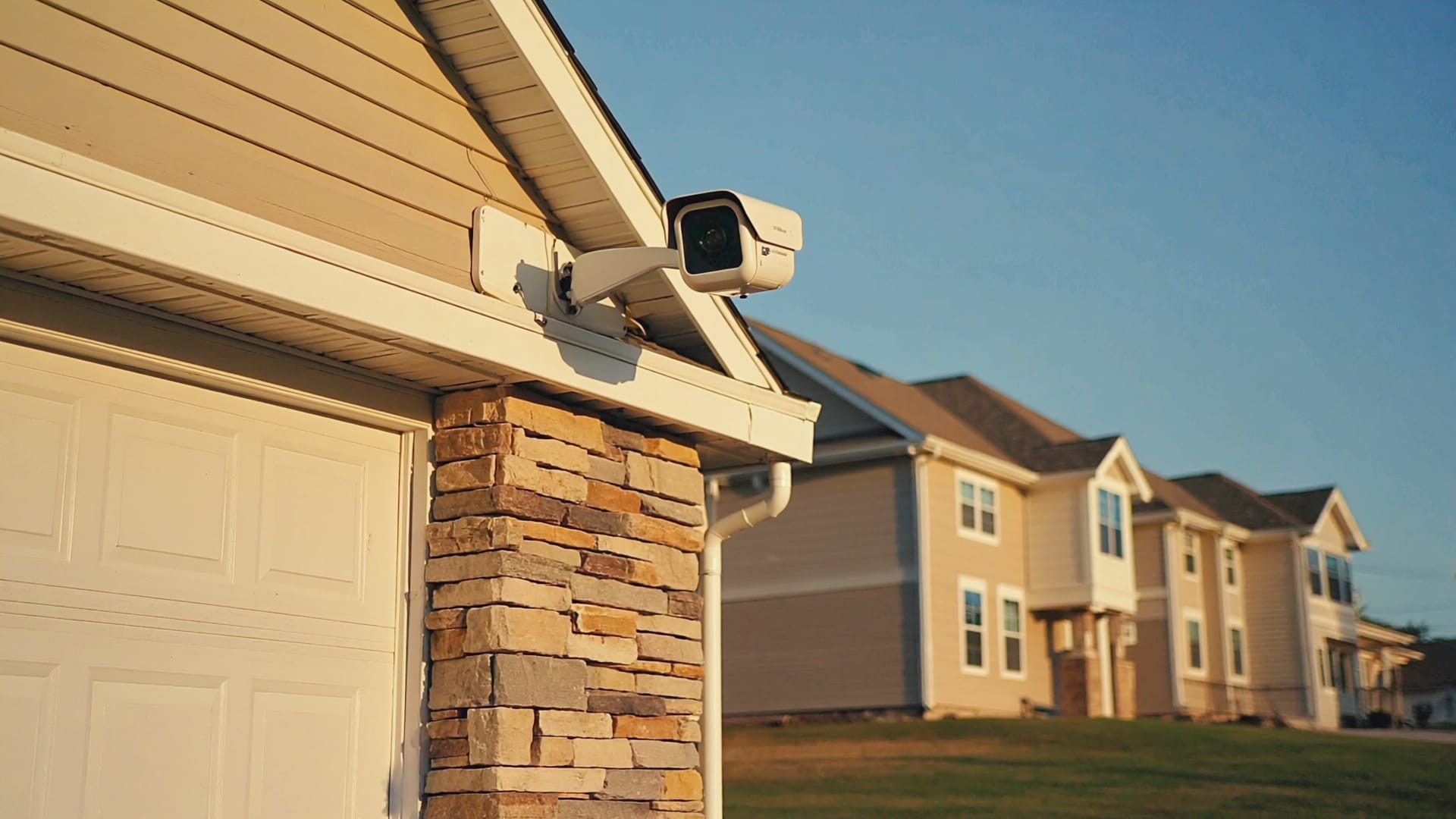
The camera and recording layer. PoE-powered cameras (no batteries, no charging), 2K and 4K resolution, local 8TB NVR storage, AI person and vehicle detection, smart event tagging, and unlimited footage retention controlled by you. Indoor, outdoor, doorbell, and turret models. Footage stays in your home — never uploaded to Amazon or Google.
The homeowner control layer. The industry-standard professional security app — arm and disarm from your phone, get event notifications, view history, control integrated lights and locks, set rules and schedules. Works whether you self-monitor or use central station monitoring. The modern app experience without sacrificing the hardwired-panel reliability underneath.
Optional 24/7 professional monitoring. One of the largest UL-listed central stations in the country, with redundant operations centers and certified dispatch standards. When an alarm triggers, COPS receives the signal, attempts verification, and dispatches local police, fire, or EMS as appropriate. Optional add-on, transparent monthly cost, can be enabled or paused without affecting the equipment.
Plus integrations with: Schlage, August, and Yale smart locks for access · UniFi Access for door access control and key card systems · Lutron lighting for alarm-driven exterior lights and panic scenes · Josh.ai for voice arm/disarm · and cellular backup communication for monitoring signals when internet is down.
Cloud cameras send your home to someone else's storage.
When a Ring or Nest camera records, the footage uploads to Amazon's or Google's servers. The company has access. They set the retention rules. They decide what features require subscriptions. And they delete your footage if you cancel. Local storage works fundamentally differently.
- Video uploads to the company's servers — Amazon (Ring), Google (Nest), or third parties
- Subscription required for video history (typically $3–10 per camera per month)
- Internet outage = no recording, no protection
- The vendor has access to your home's footage
- Retention limits set by the vendor, not by you
- Cancel the subscription, lose access to your footage
- Bandwidth costs — every camera uploads continuously
You're renting access to your own footage from a third party.
- Video records to a Network Video Recorder physically in your home
- 8TB standard capacity = months of continuous footage
- Internet outage = recording continues uninterrupted
- Only you have access to the footage
- You control retention — keep events forever if you want
- No subscription, no per-camera fees, no surprise pricing changes
- No bandwidth tax — footage stays on your home network
Your home, your footage, your storage, your control.
Two monitoring options. Both are valid.
The biggest scam in traditional residential security is bundling required monitoring into the equipment lease. The hardware and the monitoring service are separate decisions — and both are reversible. We install the system the same way regardless of which you pick, and you can switch later.
For homeowners who want the system without recurring fees.
- Alarm.com app sends instant notifications on alarm events
- You decide what action to take — call police, check cameras, ignore false alarm
- No monthly monitoring fee
- Full system functionality (cameras, alarm, locks, integration) included
- You control the response timing
Best for clients who are home most of the time, are comfortable with self-response, or want to start without recurring costs and add monitoring later.
For homeowners who want professional 24/7 response.
- COPS UL-listed central station receives alarm signals 24/7/365
- Trained dispatchers verify and contact police, fire, or EMS as appropriate
- Cellular backup communication so internet outage doesn't disable monitoring
- Transparent monthly cost — not hidden in equipment lease
- Can be enabled, paused, or canceled without affecting your equipment
Best for clients who travel frequently, have larger homes, want the professional response chain, or simply prefer the peace of mind of knowing someone is watching the panel 24/7.

Boys & Girls Club of Harrisburg.
$150,000 DHS-funded security upgrade for a non-profit serving children in the Harrisburg area. The kind of install where the security genuinely cannot fail.
Most of our work is residential. This project was different — a non-profit youth-services facility serving kids in the Harrisburg community, funded by the Department of Homeland Security to upgrade the building's security infrastructure to current professional standards.
The scope included multi-zone hardwired alarm coverage across the building, comprehensive UniFi Protect camera deployment for interior and exterior monitoring, card-based access control for staff entry points, integrated emergency alert systems, and exterior lighting tied into the security infrastructure for emergency response. All cameras record to local NVR storage on-site for compliance and review.
This isn't a system that gets to fail on a Tuesday because the WiFi rebooted. It's a public-safety facility where dozens of children spend their afternoons, and the security infrastructure has to perform exactly as designed every time. The same rigorous approach we apply to homes scales to spaces where reliability is genuinely non-negotiable — and the equipment, the design philosophy, and the integration approach are the same.
If we install it for a DHS-funded non-profit, we install it the same way for your home.
What a complete system actually includes.
Every install is sized to the home, but a complete professional security system covers the same broad categories. Here's what typically gets installed.
Door & Window Contacts
Hardwired magnetic contacts on every exterior door and ground-floor window. The foundation of intrusion detection — every breach point monitored, every state change reported, no battery to die at the wrong moment.
Motion & Glass Break
PIR and dual-tech motion detectors covering interior zones. Glass break detectors covering large windows and patio doors. Tuned to minimize false alarms while catching real events.
Life Safety Sensors
Hardwired smoke, heat, and carbon monoxide detectors integrated into the alarm panel. Dispatchable through monitoring (if enabled). Water and freeze sensors for basements, utility rooms, and vacation homes.
UniFi Protect Cameras
PoE-powered indoor and outdoor cameras, 2K and 4K models, doorbell cameras, turret models for wider coverage. Hardwired with Cat6 from the camera to the rack. AI person and vehicle detection built in.
NVR & Local Storage
UniFi Network Video Recorder with 8TB or more of storage, located on-site. Continuous or motion-triggered recording, configurable retention, footage encrypted at rest, no cloud upload required.
Smart Locks & Access
Schlage Encode, August, or Yale smart deadbolts integrated with the alarm system and Alarm.com app. UniFi Access for door access control and key-card entry where commercial-grade access management is needed.
Touchscreen Keypads
Wall-mounted keypads at primary entry points for arm/disarm and zone view. Wireless keyfobs for users who prefer them. Voice arm/disarm via Josh.ai for whole-home voice integration.
Communication Path
Primary path over your home network, cellular backup module for monitoring signals when internet is down. Both paths configured during install — the home stays protected through outages, network changes, and ISP issues.
Smart Home Integration
ELK panel integrated with Lutron lighting (alarm-triggered exterior lights, panic scenes), Sonos audio (alarm pause, voice announcements), Josh.ai voice control, and the rest of the home. Security as a layer of the smart home, not a parallel system.
From walkthrough to handoff.
Walkthrough & Risk Assessment
We walk the property — every door, every accessible window, every line of sight that matters for camera coverage. Discuss your actual concerns (burglary, package theft, fire/CO, water damage, kids coming home from school) and how you actually use the home. Risk assessment drives design, not the reverse.
System Design
Sensor placement (door contacts, motions, glass break, life safety), camera locations and coverage angles, NVR sizing, network integration, ELK panel zone planning, monitoring decision (self vs. COPS), Alarm.com configuration. Documented before any wire is pulled.
Wire & Install
Hardwired sensor runs through accessible spaces, ELK panel mounted in a closet or utility space, camera Cat6 runs to the network rack, NVR installed and configured, smart locks installed, keypads placed at entry points. The infrastructure that determines reliability for the next decade.
Programming & Configuration
ELK panel programming (zones, partitions, schedules, integrations), Alarm.com setup, monitoring activation if chosen, camera AI rules and notification settings, smart home integrations tied in, walkthrough mode tested. The system is verified functional before we hand it over.
Walkthrough & Handoff
We sit down with you, demonstrate the Alarm.com app, walk through each zone and what it monitors, test the keypads, show you the camera views, and explain the monitoring path (self or COPS). Documentation included. You leave understanding the system you have, not impressed by features you'll never use.
Common questions about security and surveillance.
Ready for security you actually own?
Book a walkthrough. We'll assess your home's actual risk profile, talk about what would actually make you feel safer, and design a system you own — with monitoring you can turn on or off, and footage that stays in your home.